

Building the ultimate gaming PC is like crafting a masterpiece—but instead of paint and canvas, it’s all about the right parts. Whether you’re hunting for lightning-fast processors or graphics cards that’ll make your games look so good you might shed a tear, choosing the right components can feel like a quest in an epic RPG. Fear not, brave gamer!
With the right knowledge, you’ll navigate the world of PC parts like a pro. Forget about confusing jargon and endless lists; this guide will help you assemble a powerhouse that’ll leave your friends green with envy. Get ready to unleash your gaming potential and turn that dream rig into reality. After all, who wouldn’t want to game in style?
Overview of Gaming PC Parts
Building a gaming PC requires understanding essential components. Gamers need a high-performance processor, commonly known as the CPU, which handles calculations and instructions. A graphics card, referred to as the GPU, plays a crucial role by rendering graphics, delivering high-quality visuals.
Memory, or RAM, temporarily stores data, influencing overall performance. Four to sixteen gigabytes is a standard capacity range for most gaming setups. Storage options include solid-state drives (SSDs) for speed and traditional hard disk drives (HDDs) for larger capacities, often used together for balanced performance.
Cooling systems, such as air or liquid cooling, maintain optimal operating temperatures. An effective cooling solution prevents overheating during intensive gaming sessions, ensuring consistent performance.
Motherboards serve as the backbone of the gaming PC, connecting all components. Compatibility with other parts determines the efficiency and capability of the build. Power supplies, rated in watts, provide the necessary energy for the system, with higher wattages supporting more demanding setups.
Lastly, cases house the components, offering space for cooling and cable management. Form factors, like ATX or microATX, affect the choice of parts and their layout. Each part contributes significantly to a gaming PC’s functionality and performance. Prioritize selecting quality components to optimize the gaming experience and enhance overall satisfaction.
Essential Components of a Gaming PC
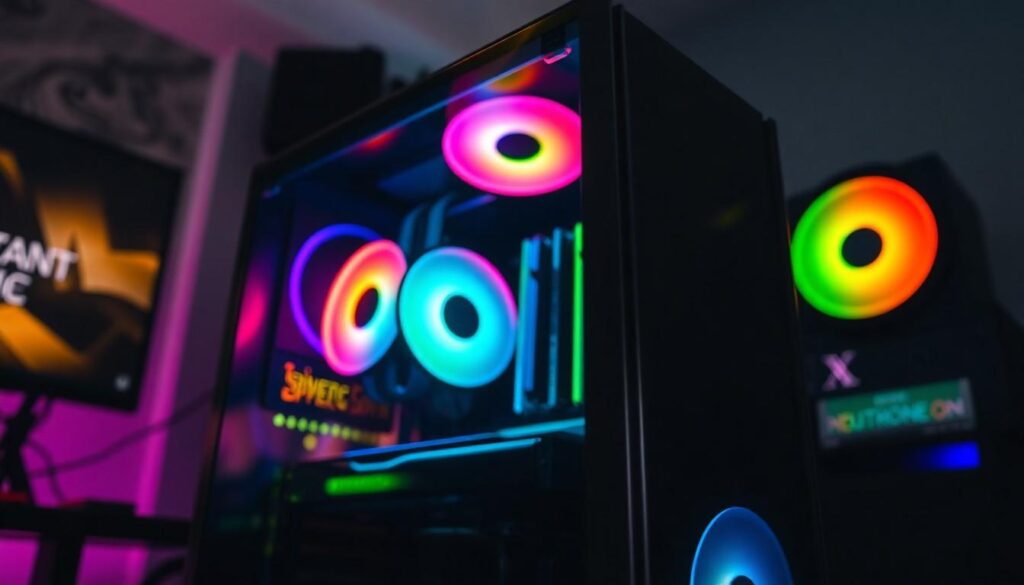
A gaming PC consists of various crucial parts that work together to deliver an exceptional gaming experience. Understanding each component’s role simplifies the building process and helps in selecting the right parts.
CPU: The Brain of Your PC
The Central Processing Unit (CPU) acts as the brain of the gaming PC. It handles all calculations and processes data for smooth performance. Different CPUs offer varying core counts and speeds, significantly influencing gaming experiences. For example, a CPU with six or eight cores enhances multitasking capabilities. Selecting an AMD or Intel processor involves considering the specific requirements of the games intended to be played.
GPU: Powering Your Gaming Experience
The Graphics Processing Unit (GPU) is essential for rendering high-quality graphics in games. A powerful GPU boosts frame rates, improves visual detail, and allows for immersive gameplay. Many gamers prefer NVIDIA or AMD GPUs based on performance benchmarks. Investing in a graphics card with 4GB to 16GB of VRAM ensures seamless graphics rendering at higher resolutions. Upgrading the GPU can lead to noticeable improvements in gaming performance and overall experience.
RAM: The Importance of Memory
Random Access Memory (RAM) significantly impacts a gaming PC’s performance. RAM temporarily stores data for active applications and processes, enabling quick access and seamless gameplay. A system with 16GB of RAM typically allows for smooth multitasking and efficient gaming. When considering RAM speed, higher MHz ratings can contribute to better overall performance. Choosing the right memory ensures that the games run smoothly without lagging or crashing during intense situations.
Storage Options for Gaming PCs
Storage options play a crucial role in gaming PC performance. Gamers typically choose between solid-state drives (SSDs) and hard disk drives (HDDs), each offering distinct advantages.
SSD vs. HDD: Which is Better?
SSDs provide faster load times and improved overall system responsiveness. Games stored on SSDs often load in seconds, enhancing gameplay experiences. In contrast, HDDs offer larger storage capacities at lower prices, making them cost-effective for extensive game libraries. When prioritizing speed, SSDs excel; when focusing on capacity, HDDs remain advantageous. Some gamers opt for a combination of both, utilizing SSDs for the operating system and favorite games while using HDDs for additional storage.
Recommended Storage Capacities
For SSDs, capacities of 500GB to 2TB are common recommendations. A 1TB SSD accommodates a significant number of games and applications. HDDs typically range from 1TB to 10TB, with larger drives ideal for those with extensive collections. When selecting storage, consider both current and future gaming needs. Balancing performance with capacity ensures a smooth gaming experience for both casual and dedicated players.
Motherboards: The Backbone of Your Build
Motherboards serve as the central hub for all components in a gaming PC. They connect the CPU, GPU, RAM, and storage, ensuring seamless communication between parts. Several factors influence motherboard selection, including form factor, chipset compatibility, and expansion slots.
Choosing the right form factor, such as ATX or Micro-ATX, determines the size and layout of the case. An ATX motherboard typically offers more expansion slots and features, while a Micro-ATX saves space without sacrificing much functionality. Chipset compatibility influences performance and features, such as overclocking support.
Expansion slots are critical for future upgrades. A motherboard that includes multiple PCIe slots enables easy installation of additional GPUs or sound cards. Consider motherboards with M.2 slots for NVMe SSDs. These slots support faster data transfer rates, boosting game load times.
Power delivery systems excel in high-performance motherboards. Enhanced power phases provide better stability, especially during overclocking. Gamers who seek maximum performance from their CPUs benefit from such robust systems.
Integrated features also play a key role. Onboard Wi-Fi, Bluetooth, and advanced audio components enhance user experience. Having these capabilities eliminates the need for additional cards.
Motherboards come with varying price points. Budget-friendly options cover basic needs, while premium models cater to enthusiasts requiring extensive features.
Selecting a motherboard involves balancing performance, compatibility, and budget. Focus on the specific needs based on the intended use of the gaming PC. A carefully chosen motherboard sets the foundation for a high-performance gaming rig.
Conclusion
Building a gaming PC is an exciting journey that allows gamers to tailor their setups to their specific needs. Each component plays a vital role in achieving optimal performance and enhancing the gaming experience. By carefully selecting the right CPU GPU RAM and storage options gamers can create a powerful rig that meets their requirements.
Investing time in understanding these parts not only leads to better performance but also fosters a deeper appreciation for technology. Whether opting for speed with SSDs or capacity with HDDs balancing these choices is key. Ultimately a well-constructed gaming PC can elevate gameplay making every session more immersive and enjoyable.